


WhatsApp has rolled out a new video notes feature for millions of users on both Android and iOS worldwide. The new feature is quite similar to voice notes, allowing users to send short videos and messages directly within chats. Users can now send 60-second video notes to friends and family.
---Advertisement---
This feature has countless applications, enabling users to share expressions, congratulations, and emotions through short video snippets sent directly to others. The feature is just as easy to use as voice notes, which most users are already familiar with.
---Advertisement---
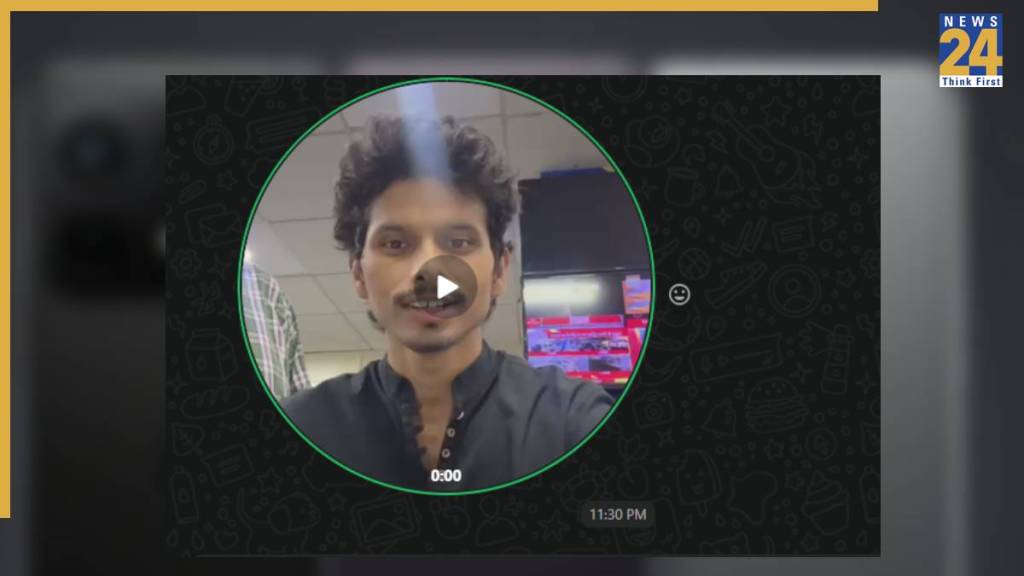
How to Send Video Notes on Android
- Ensure WhatsApp is updated to the latest version.
- Open the app and go to the chat of the person you want to send a video note to.
- Tap and hold the camera icon at the bottom of the screen to start recording.
- The video will be recorded using your front camera by default.
- You can tap the flip icon to switch to the back camera.
- You can record videos of up to 60 seconds.
- Once you release your finger, the recording will stop.
- Tap the send button to share the video note.
How to Send Video Notes on iPhone
- Make sure WhatsApp is updated to the latest version.
- Open the chat of the person you want to send the video note to.
- Tap on the camera icon.
- Press and hold the camera icon to start recording.
- Slide your finger up to lock it for hands-free recording.
- Record your video note.
- Tap the send button to share it.
---Advertisement---