


A new trend involving the 3D digital figures of photographs has gained significant popularity among social media users. The tiny figurines, which are designed by using Google’s new A1 feature, appear to be very photographic and the viral trend has swept the online platforms. From politicians to Bollywood celebrities, everyone is using their new AI feature to create their 3D avatars.
“My young friends suggested that I go with the trend …..so here it is,” said Assam Chief Minister Himanta Biswa Sarma while posting the image of his 3D figurine on X. Other people were seen creating similar figurines of their pets, friends and even favourite cricketers and actors.
My young friends suggested me to go with the trend — so here it is 😁 pic.twitter.com/tUg3uMEptp
— Himanta Biswa Sarma (@himantabiswa) September 9, 2025
Watch Nano Banana Trend On Social Media:
3D figurines are blowing up on TikTok and Instagram
Here's how to make your own 3D figurine using Nano banana 👇 pic.twitter.com/mhjTgbaWY2---Advertisement---— AgentSea (@tryagentsea) September 8, 2025
The 3D figurine trend is taking over the internet.
— Heisenberg (@rovvmut_) September 9, 2025
You can generate the same using Nano banana.
Prompt in the comments ⤵️ pic.twitter.com/R7ETkBN94P
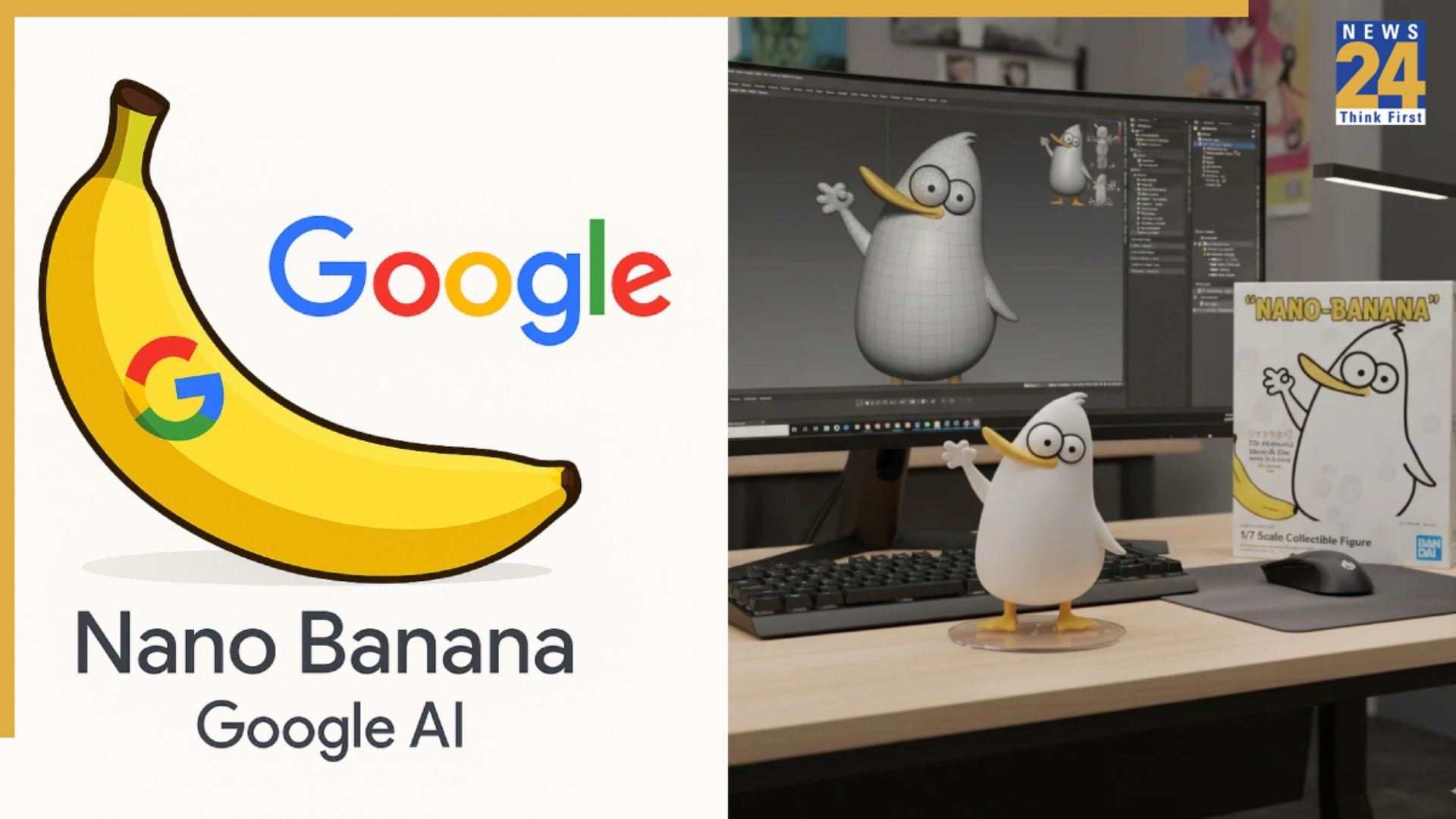
The tool that is being used to create this latest trend is Google’s new A1 tool nicknamed “Nano Banana”. Just to clarify, that is not the name of the tool, but something that is chilling online. The tool name is Gemini 2.5 Flash Image.
This experimental Google artificial intelligence tool can convert any photo to a detailed 3D mode in just a few seconds. Google has made it free to use and has democratized the functions of a 3d printer. This means, with few prompts you can have your very own customized figurines instantly without needing any special skills. The results are remarkably sharp and realistic, with the ability to render detailed and impressive features. The tool has preserved many important elements including facial expression, clothing and even some background features.
Anyone can use this tool. There is no special software or design application needed to make your own customized figurine.
Making your own 3D figurine has never been easier and is free. Here’s how:
1. Go to Google AI Studio.
2. Click Chooser on the main page and then click ‘Try Nano Banana’. Open Gemini 2.5 Flash Image.
3. You will be prompted to enter any prompt in order to create your AI art.
4. You can create a customised figurine by clicking the ‘+’ button, uploading your image, and running the 3D model prompt.
Tips And Tricks To Make Nano Banana 3D Model:
1. Use a high-resolution image.
2. Specify your prompt to get a realistic figurine.
3. Use different angles and emotions for 3D models.
4. Be descriptive as you can on the background and props!
For The Best Results, Use This Prompt:
“A realistic 1/7 scale figurine of the pictured characters stands on a clear acrylic base atop a sleek wooden desk. The desk is tidy, with a monitor displaying the ZBrush sculpting process: showing wireframes, textures and fine details. Beside it, a BANDAI-style toy box features vibrant 2D illustrations matching the figurine. Natural light from a nearby window casts soft shadows, highlighting the model’s textures and craftsmanship.”
With just a few clicks, anyone can bring their photos to life in stunning 3D. This trend is making digital creativity fun, accessible and incredibly realistic for everyone.