
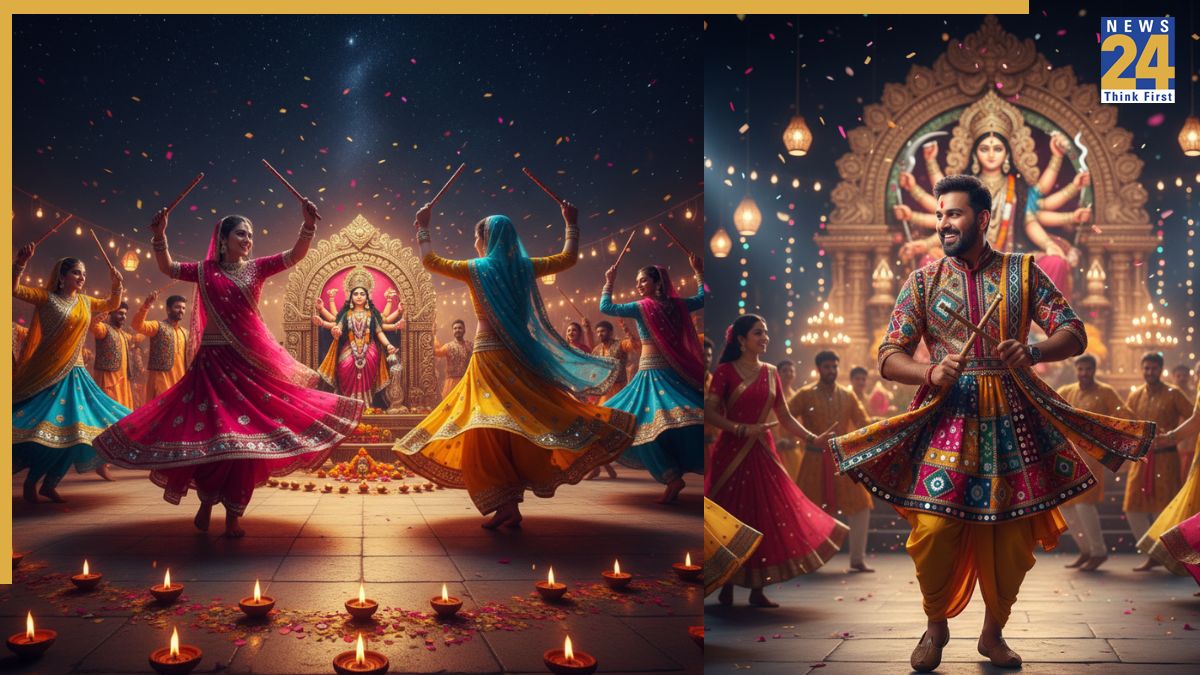


Google Gemini Nano Banana: Google’s Nano Banana model has become a big trend across the internet and social media. This is the first time that the users are impressed by an AI model creating stunning pictures after the ChatGPT Ghibli wave.. The Flash Image Model 2.5 from Google, better known as Nano Banana, is now widely used to create a variety of images.
To make it more accessible, Perplexity has introduced Nano Banana on WhatsApp. This allows users to generate images directly within the messaging app, which has a massive audience in India and worldwide. Compared to this, Meta’s image tool on WhatsApp is still not as advanced as Gemini or Nano Banana.
Perplexity on Gemini Nano AI WhatsApp
Google Gemini Nano Banana on WhatsApp: Perplexity has brought Google’s Gemini 2.5 Flash engine to the Perplexity bot on WhatsApp. In an X post, the company claimed that users can now use the “highest-quality model” directly on the Meta-owned platform. Aravind Srinivas, co-founder and CEO of Perplexity, reshared the post on X. Here’s how you can start using Gemini Nano on WhatsApp.
How to use Nano Banana on WhatsApp
Google Gemini Nano Banana on WhatsApp: According to the Perplexity tweet, users no longer need to go to Gemini or Google AI Studio to use Nano Banana. For using the AI engine on WhatsApp, you need to chat with the Perplexity AI bot on the app. You have to save +1 (833) 436-3285, which is Perplexity’s number on WhatsApp.
Step-by-step guide to make AI images through Gemini Nano Banana on WhatsApp
- Open your WhatsApp messenger
- Start a conversation
- Send an image and give a prompt of your choice
- Nano Banana works best with detailed prompts and generates accurate images
- If you want iconic saree image, you can create it or 4K retro portraits by giving apt prompts
- The model will produce the same images as it does directly on Google’s apps
Prompts
Use this image into a dramatic black-and-white portrait set in a misty, Victorian-era London street. Keep the subject’s face unchanged, dressed in a tailored overcoat and scarf, with a gas lamp casting soft, flickering light. Use deep shadows and a foggy backdrop to evoke a mysterious, noir-inspired atmosphere
Imagine a tranquil riverside afternoon. Show a man lounging in a camping chair, legs crossed, hands clasped behind his head, his expression unaltered. He’s dressed in light beige trousers and a dark green hoodie. Nearby, a foldable table displays snack packs and bottled water