
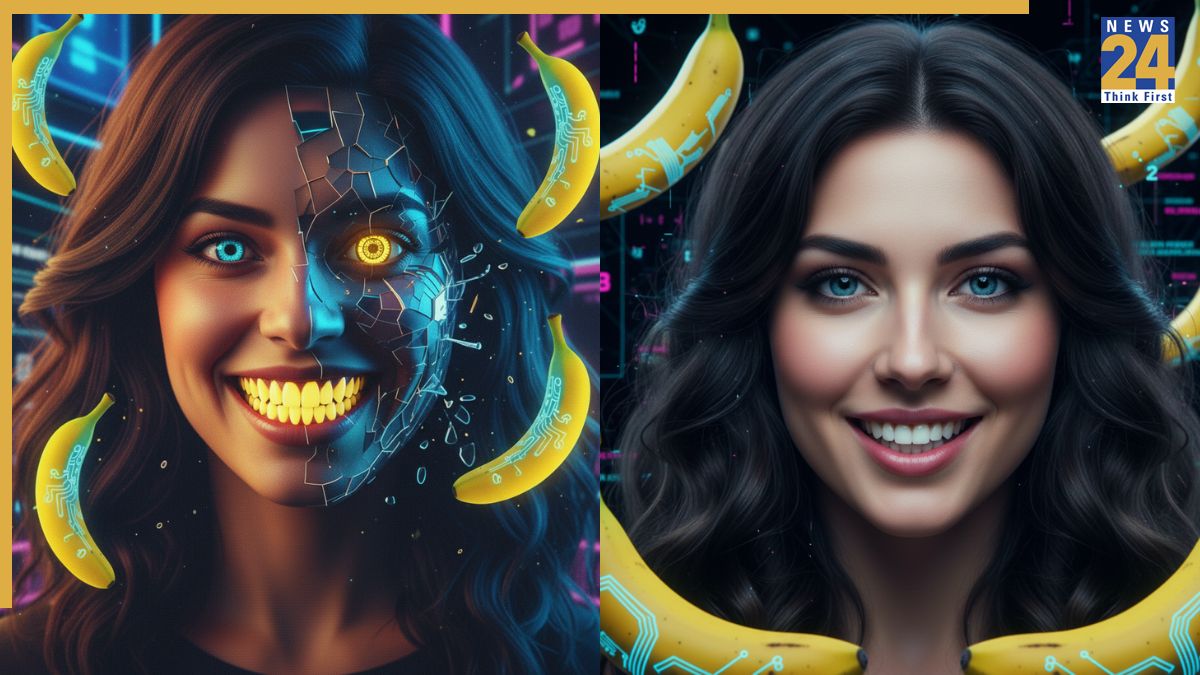


Google Gemini AI photo editing prompts: The Google Gemini Nano Banana AI tool is still generating buzz days after its launch. People are experimenting with different prompts to create everything from realistic 3D figurines to vintage saree looks, sharing their results on social media. The tool can transform ordinary selfies into stunning images, but not all AI-generated photos match users’ facial features – some are perfect, while others fall short. Incorrect prompts can result in mismatched backgrounds or a distorted face. To get the best results, it’s important to use the right prompts. Here are 5 mistakes to avoid for the desired output.
Google Gemini AI photo editing prompts: 5 mistakes to avoid
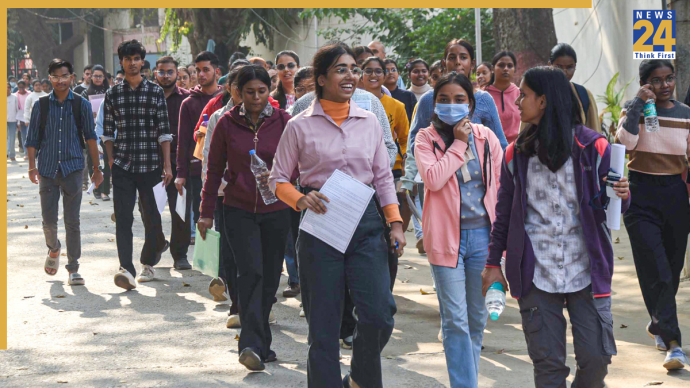
1. Avoid low-quality or group photos. Crowded images make it harder for the AI to recognise a single person. For the best results, upload clear, solo photos with the face fully visible.
2. Avoid overloading your prompt with too many details, as this can confuse the Nano Banana AI. Stick to 3-4 clear and concise visual instructions for the best results.
3. Avoid vague prompts like “make me look like a Bollywood actress.” These usually don’t give the results you want. Instead, provide specific details such as fabric, colour, background, and lighting style.
4. Remember facial consistency. Include instructions like “keep the same facial features” to prevent distortions or changes to the face shape.
5. Don’t ignore the background: Bollywood-style looks often need dramatic backdrops. If you don’t mention one, the AI might use plain or mismatched scenes.
Google Gemini Nano Banana Editing Tool: How to use
Log on to the Gemini 2.5 Flash Image (Nano Banana) portal, if using web browser.
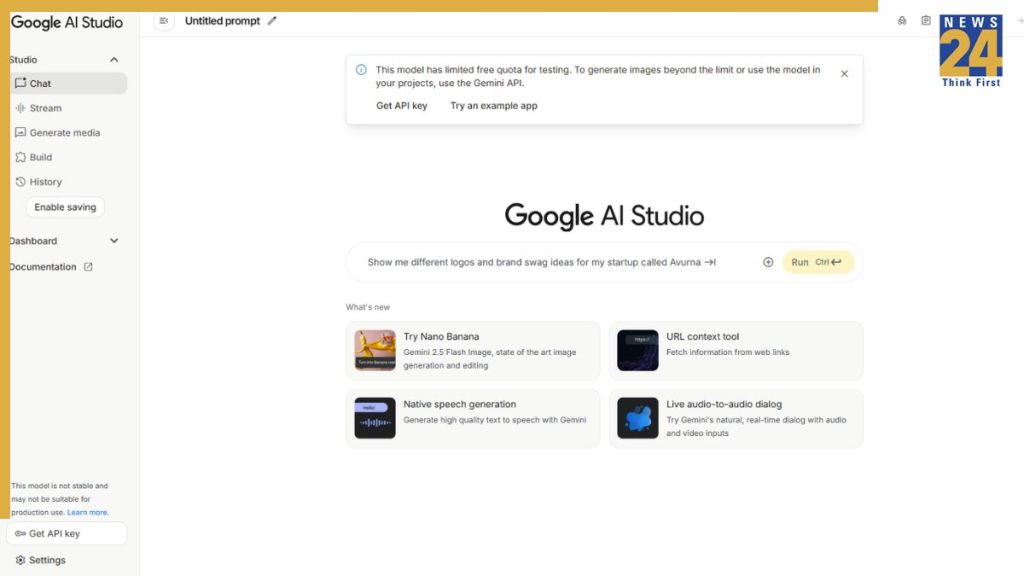
Alternatively, you can go to the Gemini app if it is installed on your iPhone or Android device.
Now, click or tap on “Try Nano Banana”
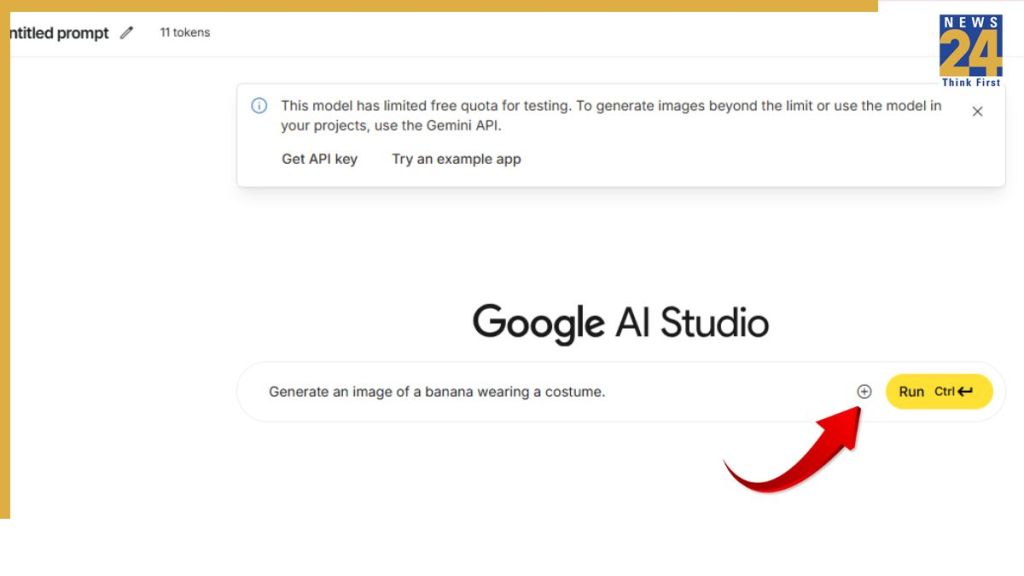
Click or tap on the + sign to add an image.

Now, enter a Google Gemini AI photo editing prompt.
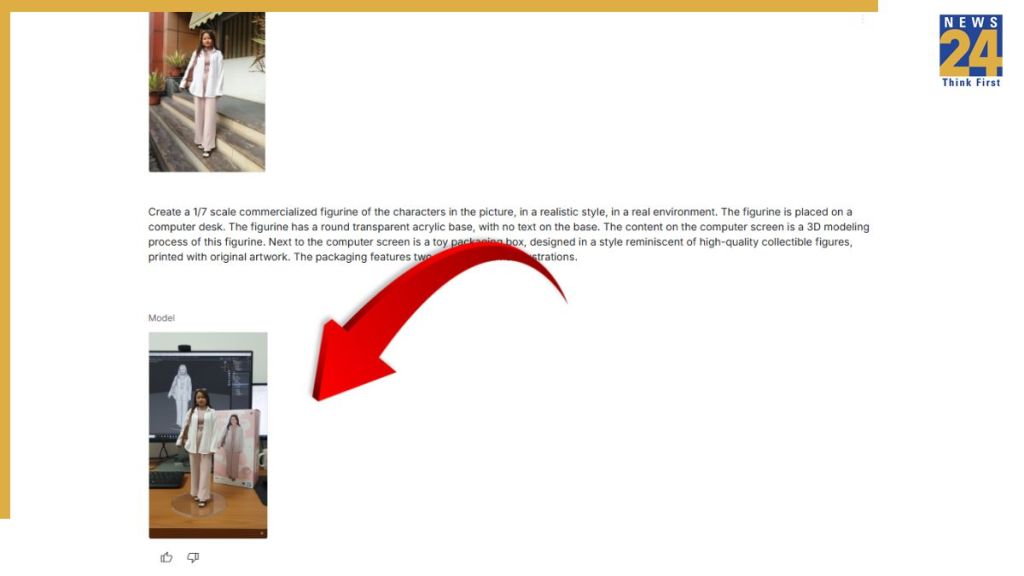
Now, press “Enter”and the AI model will generate 3D figurine based on your image. You can download it and share with your friends and family on social media to join the viral trend.
Google Gemini AI photo editing prompts
1. 3. 3D Figure Prompt: Create a 1/7 scale commercialized figurine of the characters in the picture, in a realistic style, in a real environment. The figurine is placed on a computer desk. The figurine has a round transparent acrylic base, with no text on the base. The content on the computer screen is a 3D modeling process of this figurine. Next to the computer screen is a toy packaging box, designed in a style reminiscent of high-quality collectible figures, printed with original artwork. The packaging features two-dimensional flat illustrations. keep the same facial features.”
2. “Transform me into a vintage Bollywood heroine wearing a flowing red chiffon saree. Style my hair in soft waves. Set the background with a warm, golden sunset light, minimalist design and a romantic, dramatic atmosphere. Keep the same facial features”
3. Hug My Younger Self Prompt: Upload two photos, one from childhood and one current, along with the following prompt: “Click a cute polaroid picture of my older self hugging my younger self. Keep the same facial features.”
4. Pre-Wedding Photos: “Design a pre-wedding photoshoot for an Indian couple at a grand Rajasthani fort. The bride wears a red lehenga with gold embroidery, the groom a sherwani. They pose on stone steps beneath carved arches. Warm sunset light bathes the scene, with marigold petals scattered across the majestic courtyard for a royal touch. Keep the same facial features.”
5. Polaroid-style pics with celebrities: Upload your and your favourite celebrity’s images along with the following tool: “Create a 4K HD, realistic Polaroid-style photo of the people in the uploaded images. They are posing together naturally. Keep their facial features unchanged. Apply a slight blur for a soft, film-like effect. Use consistent warm lighting and a white curtain backdrop to give it a cozy, candid aesthetic. Keep the same facial features.”
ALSO READ: Google Gemini AI Nano Banana Durga Puja trend – create your festive saree look using these prompts