
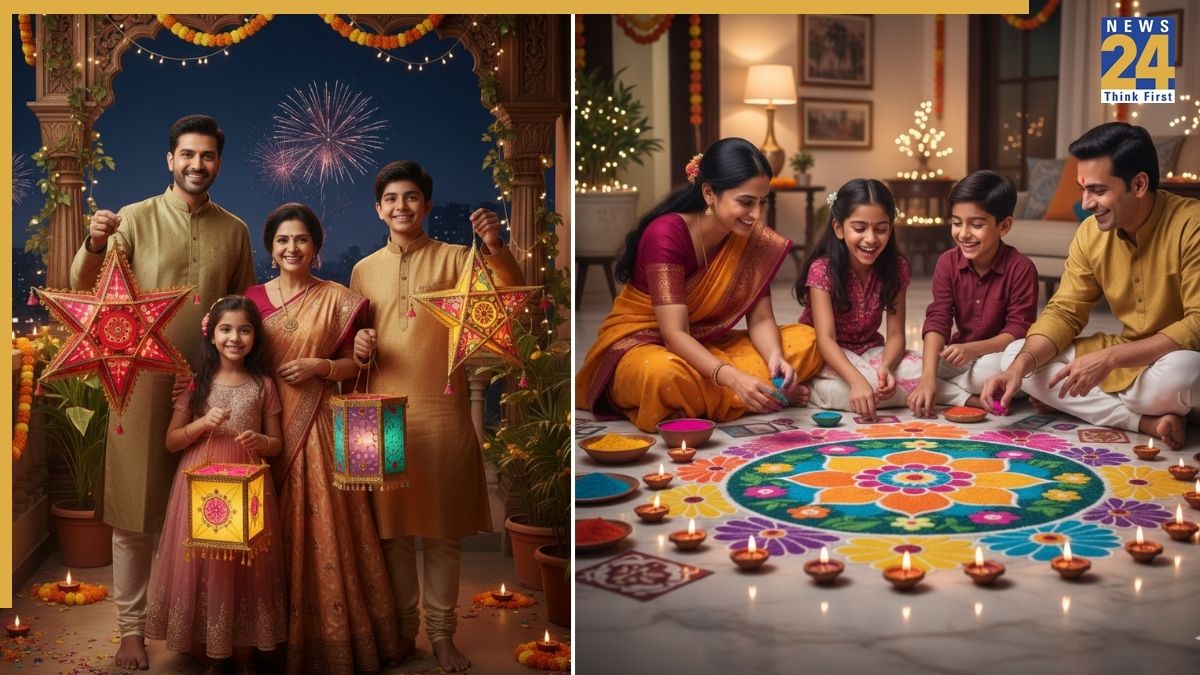


Gemini Nano Banana AI photo prompts: With Diwali just around the corner, the Google Gemini Nano Banana AI image editing tool continues to trend for creating jaw-dropping and stunning images. The tool has been popular on social media for generating saree or traditional Indian looks, festive season themes, pre-wedding shoots, and more. Its popularity has only grown during the festive season, following trends like Durga Puja, dandiya night looks, and Karwa Chauth couple images. Now, Diwali-themed images are taking the spotlight ahead of the festival of lights.
However, while the tool can transform ordinary selfies into stunning images, not all AI-generated photos match users’ facial features – some are perfect, while others fall short. Incorrect prompts can result in mismatched backgrounds or a distorted face. To get the best results, it’s important to use the right prompts. Here are some Nano Banana AI prompts to dress up your pictures for Diwali 2025:
Gemini Nano Banana AI photo prompts
1. Puja on Diwali
Create a 4K image of a family performing a Diwali puja. The mother wears a red saree, the father a beige kurta, and the children colourful outfits. Include diyas, incense, rangoli, and flowers. Highlight the soft candlelight and natural expressions to depict devotion and togetherness.
2. Diwali fireworks
Create a 4K image of a family celebrating outdoors. Include sparklers and fireworks with reflections on their faces. Show excitement and joy, keeping faces identical to original photos, and use a slightly blurred background to focus on interactions.
3. Diwali decorations
Generate a 4K portrait of a family holding kandils (lanterns) on a balcony. Include marigold garlands, diyas, and soft fairy lights. Capture happy expressions and festive energy while maintaining authenticity.
4. Family portrait
Generate a 4K portrait of a multigenerational family celebrating Diwali at home. Show grandparents, parents, and children in traditional attire – sarees, lehengas, kurtas, and sherwanis, amid marigold garlands, diyas, and fairy lights. Capture smiles, interaction, and warm lighting, keeping all faces true to the original photos.
5. Making rangoli on Diwali
Generate a 4K scene of a family making rangoli together. Show parents and children on the floor with vibrant rangoli patterns, surrounded by small diyas. Capture smiles, laughter, and engagement while keeping faces authentic.
Gemini Nano Banana AI photo: How to generate yours for free
Here is a step-by-step guide to creating your Nano Banana 3D figurine or other images for free, and the prompt that will help you generate the perfect one:
Log on to the Gemini 2.5 Flash Image (Nano Banana) portal, if using web browser.
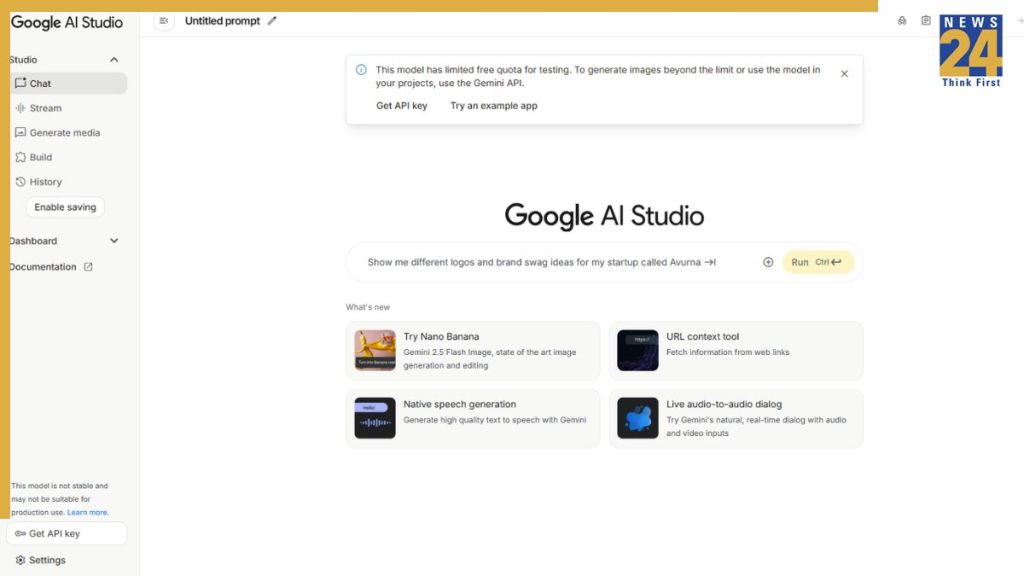
Alternatively, you can go to the Gemini app if it is installed on your iPhone or Android device.
Now, click or tap on “Try Nano Banana”
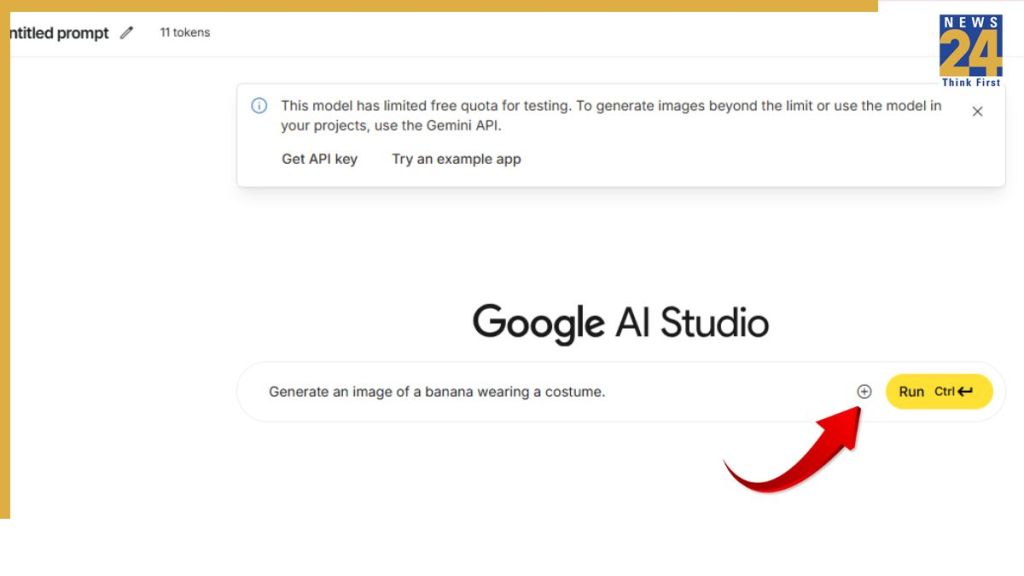
Click or tap on the + sign to add an image.

Now, paste the following Nano Banana 3D figurine prompt:
Create a 1/7 scale commercialized figurine of the characters in the picture, in a realistic style, in a real environment. The figurine is placed on a computer desk. The figurine has a round transparent acrylic base, with no text on the base. The content on the computer screen is a 3D modeling process of this figurine. Next to the computer screen is a toy packaging box, designed in a style reminiscent of high-quality collectible figures, printed with original artwork. The packaging features two-dimensional flat illustrations.
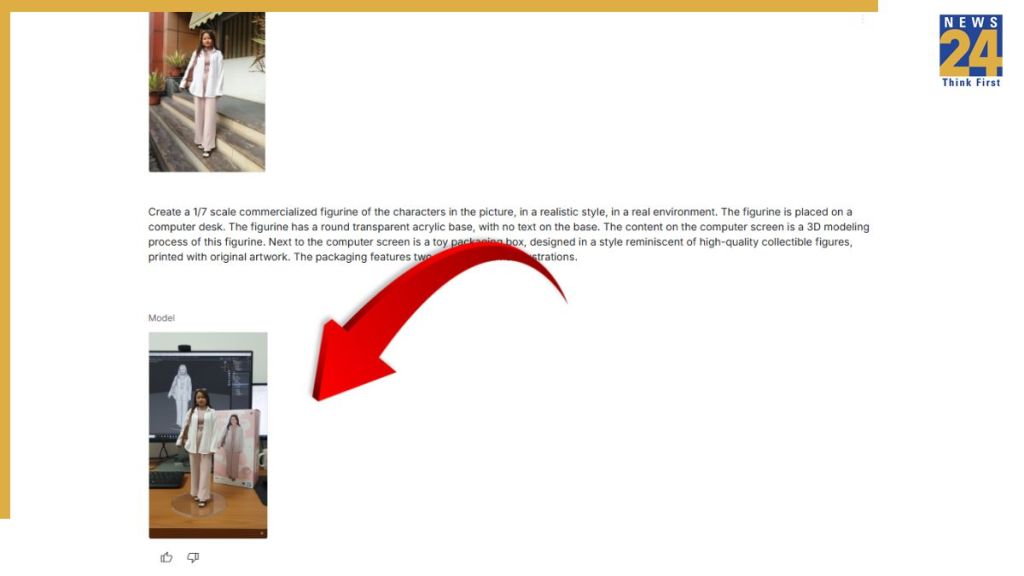
Now, press “Enter”and the AI model will generate 3D figurine based on your image. You can download it and share with your friends and family on social media to join the viral trend.
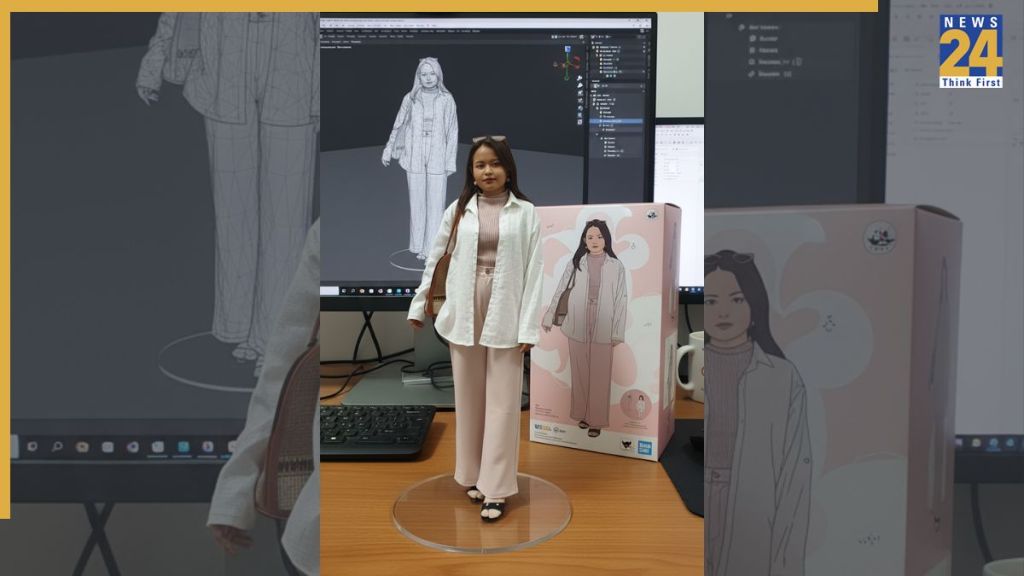
So, that was our quick step-by-step guide to help you create the 3D figurines for free. Go flaunt yours to your friends and join the viral trend.