

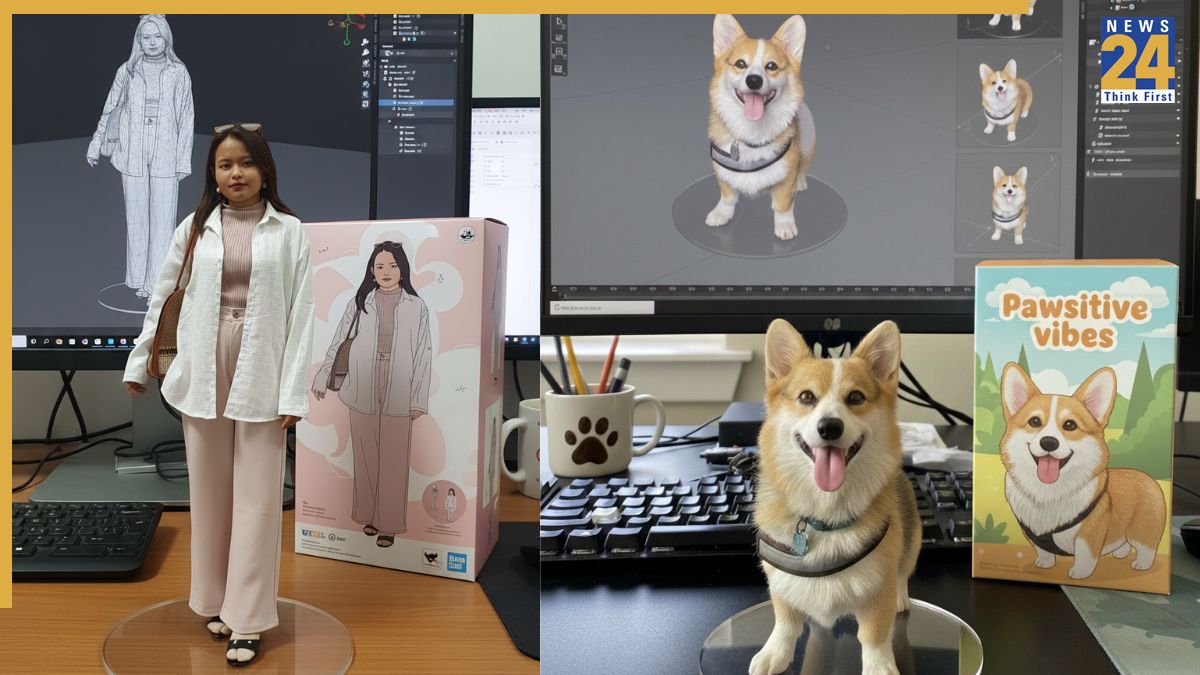


Gemini Nano Banana AI 3D figurines: Google’s Gemini Nano Banana AI image model, which created realistic 3D figurines, is breaking the internet and everybody wants to join the trend and create their own. The new AI model lets you generate commercialized figurines in a real environment and in a realistic style. It allows you to upload pictures of objects, people, and pets and get a 3D figurine for free. Here is a step-by-step guide to creating your Nano Banana 3D figurine for free, and the prompt that will help you generate the perfect one:
Gemini Nano Banana AI 3D figurines: How to generate yours for free
Log on to the Gemini 2.5 Flash Image (Nano Banana) portal, if using web browser.
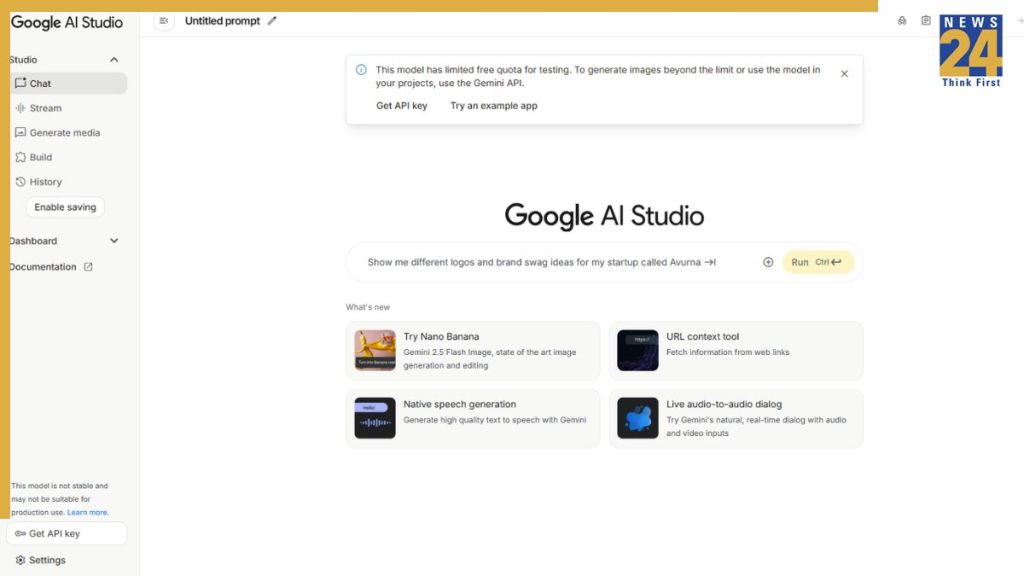
Alternatively, you can go to the Gemini app if it is installed on your iPhone or Android device.
Now, click or tap on “Try Nano Banana”
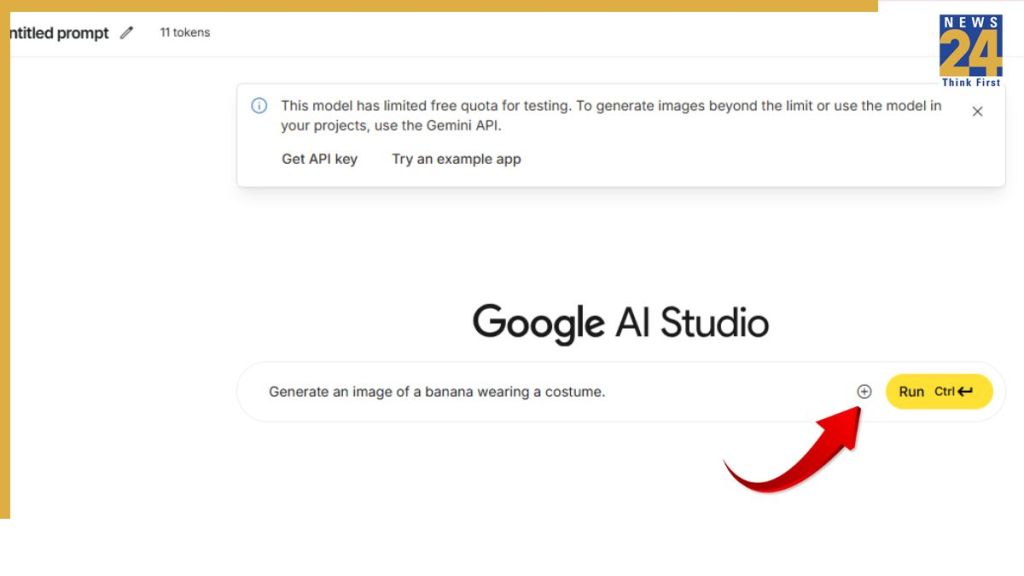
Click or tap on the + sign to add an image.

Now, paste the following Nano Banana 3D figurine prompt:
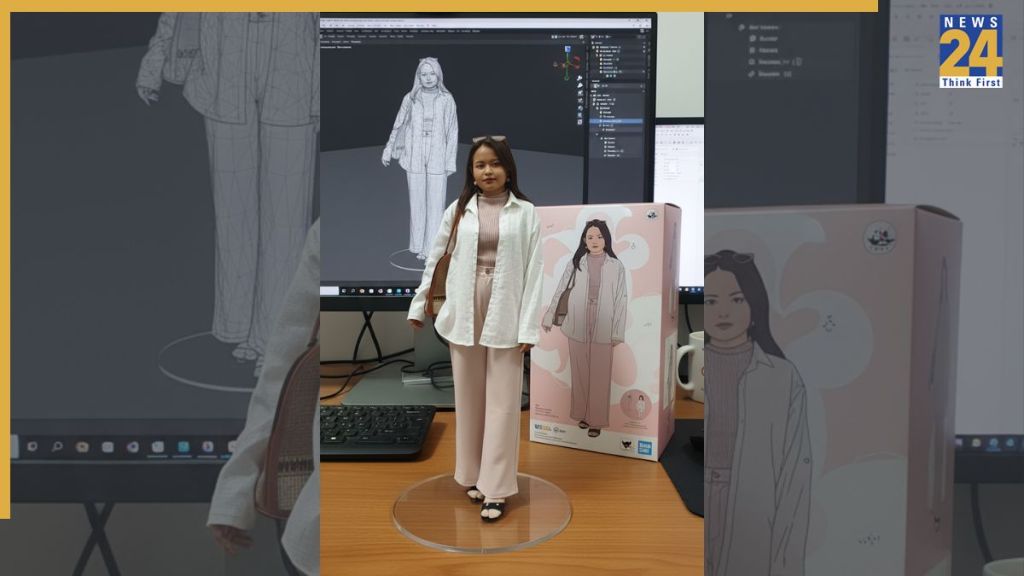
Create a 1/7 scale commercialized figurine of the characters in the picture, in a realistic style, in a real environment. The figurine is placed on a computer desk. The figurine has a round transparent acrylic base, with no text on the base. The content on the computer screen is a 3D modeling process of this figurine. Next to the computer screen is a toy packaging box, designed in a style reminiscent of high-quality collectible figures, printed with original artwork. The packaging features two-dimensional flat illustrations.
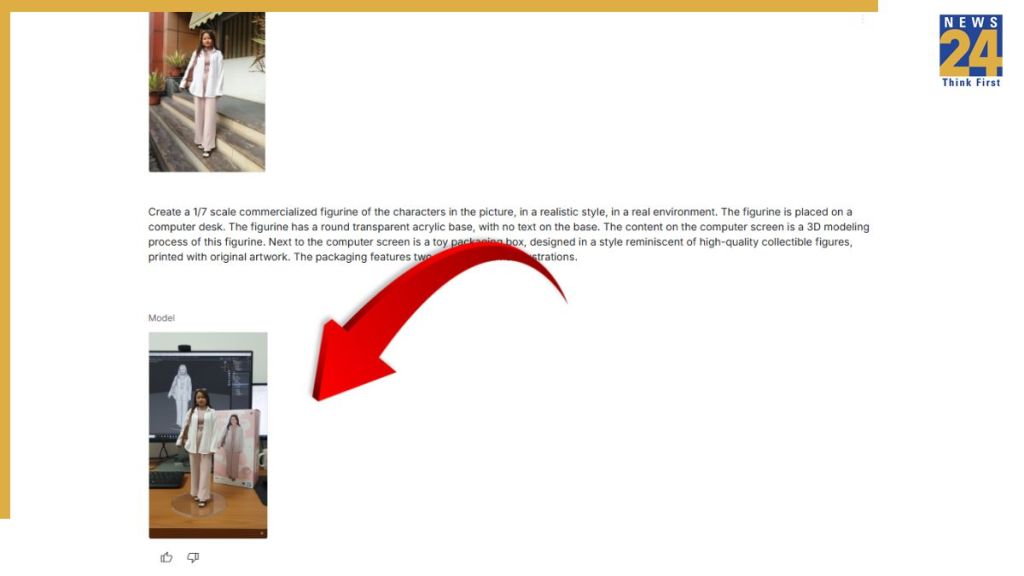
Now, press “Enter”and the AI model will generate 3D figurine based on your image. You can download it and share with your friends and family on social media to join the viral trend.
So, that was our quick step-by-step guide to help you create the 3D figurines for free. Go flaunt yours to your friends and join the viral trend.
ALSO READ: What Exactly Is the ‘Nano Banana’ Trend and Why Is It Blowing Up Online?