

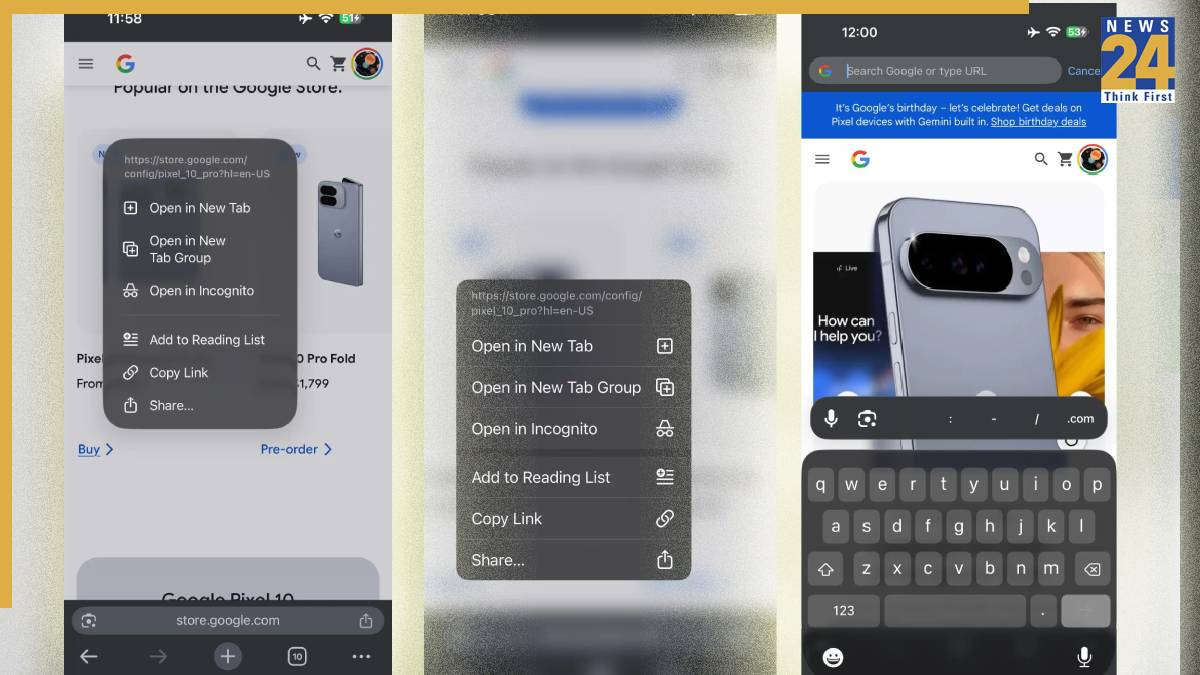


With the recent launch of iOS 16 earlier this week, Google Chrome rolled out liquid glass tweaks on iPhone and iPad. As a reminder, Chrome for iOS has a pretty different interface and experience from the Android version. There’s a unique Tab Grid and bottom sheet menu. With the new update, the Liquid Glass changes start on the Tab grid with the incognito (which is always visible), Tab, and Tab group switcher, as well as search on the left. Edit also gets the same treatment as described below.

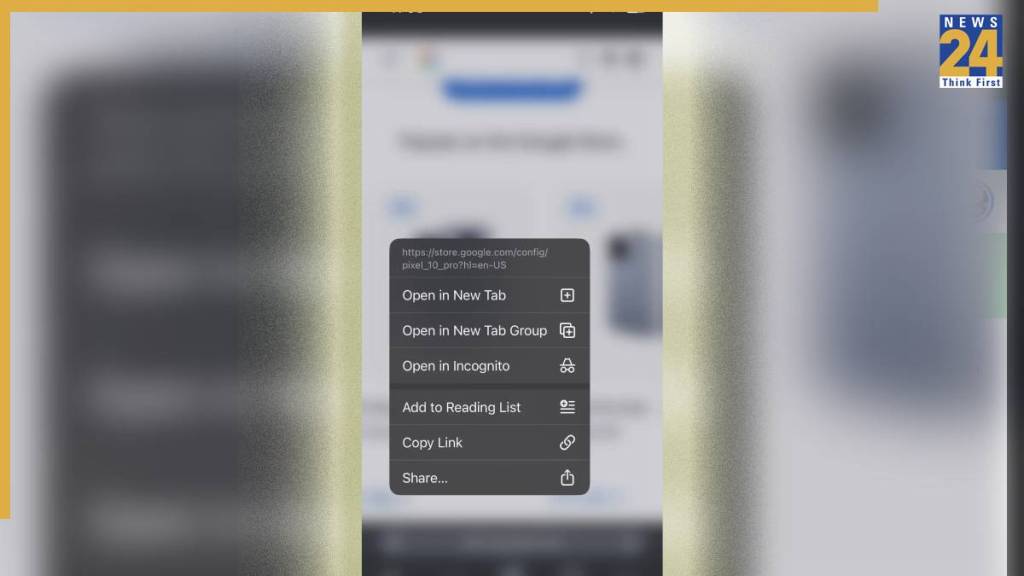
Context menus have been updated to the new style for a more modern experience that doesn’t blur the background. Beyond these changes, the bottom sheet no longer goes edge to edge and features more rounded corners, while menu items also pick up that additional curvature. The settings include a new Done/checkmark icon and updated on/off toggles.
Meanwhile, the new update has also added a new keyboard with a more rounded sheet and keys. Chrome has long included an extra row with access to voice search, Google Lens, and other useful keys like .com and slash. This is now a floating rectangle above the main keyboard.
It remains to be seen whether other Google apps will adopt liquid glass.