

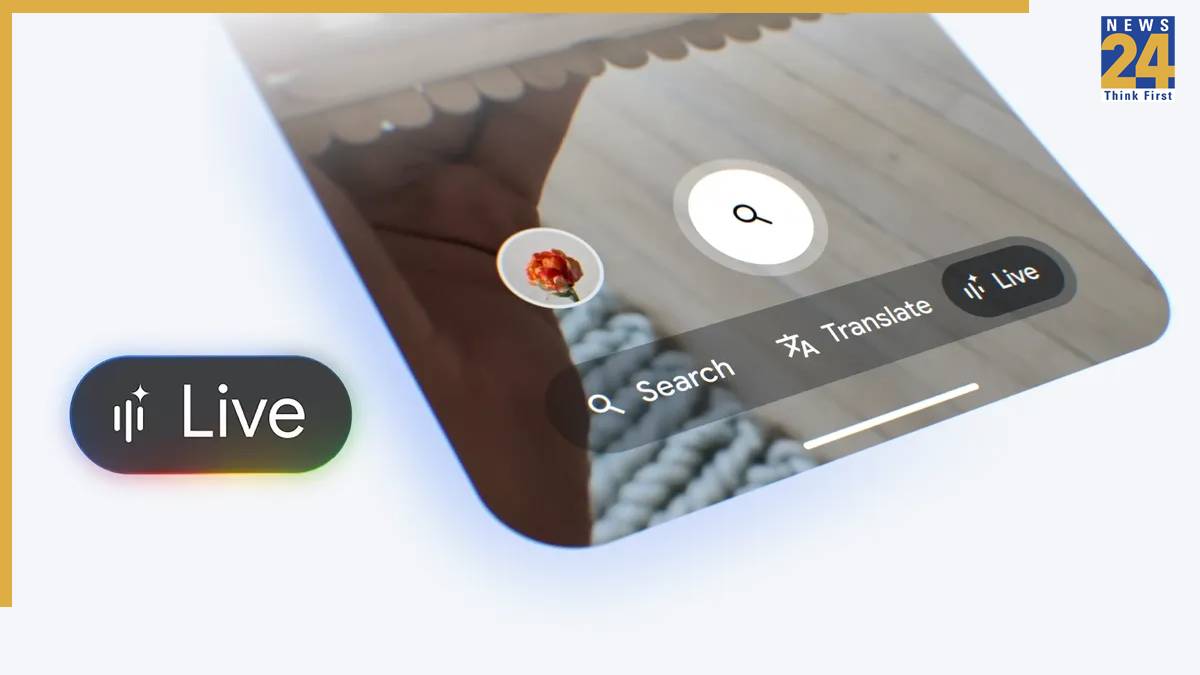


Google has finally brought its Search live functionality to users in India, making it the first country after the US to receive the feature. The AI-powered feature allows users to have a conversation with Google Search by using the Phone’s camera and microphone.
The search live feature works similarly to the Gemini Live feature, which is already present in the Gemini app. One of the biggest differences between the two is that the search live searches the internet while having a real-time conversation with the user to fetch up-to-date information from the web.
The search live accessibility is being rolled out to users in India and will be available for more users in some time. The feature will be available to use in Hindi and English. Google had previously revealed in a blog that Indian users are the largest user base for voice and visual search globally for the company.
Ai Mode is now available in more Indian languages
Apart from the all-new search live feature, Google is also making its Ai mode available to users in more languages. The new feature will soon be available to users in more Indian languages. The 7 more Indian languages that will soon feature in the App will include Bengali, Kannada, Malayalam, Marathi, Tamil, Telugu, and Urdu.
Google has stated that the added language support, powered by the company’s advanced reasoning of its Gemini model for search, which is not limited to translation, the new ai feature will be able to catch the subtleties of local languages with ease. The feature will soon begin rolling out to the seven languages over the next week.
How to use the search Live in Google
Update the Google Application to the latest version on your Android or iOS device- for this
Open the Google application and tap the live icon under the search bar.
Open the Google App and tap the live icon under the search bar.
Alternatively, users can open Google Lens and choose the Live tab at the bottom
Just point your camera at what you are curious about and ask a question; users will be able to either type a question or speak.
Also Read: Vi showcases 5G and Ai-powered innovations at IMC-2025- spearheading future Ai innovations