

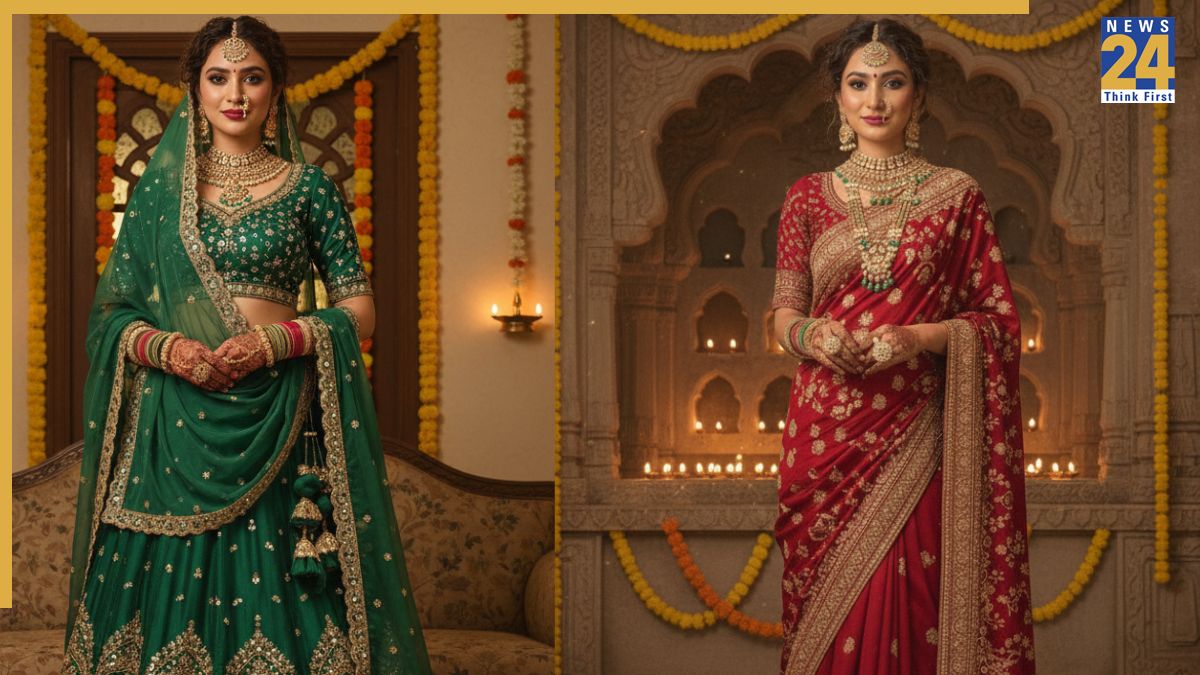


Gemini Nano Banana AI hacks: Google recently launched Gemini Nano Banana, an image generation and editing model that has been widely used by people around the world. While users have created some incredible images with the tool, the results are not always perfect. To help, Google has shared four tips for getting the best results from Nano Banana.
“It’s a giant quality leap, especially for image editing,” says Nicole Brichtova, the model’s product lead. “We’re putting capabilities that used to require specialised tools into the hands of everyday creators, and it’s been inspiring to see the explosion of creativity this has sparked.” Check out these four tips shared by Google:
Gemini Nano Banana AI hacks
1. Experiment with consistency
One of Nano Banana’s main strengths is maintaining consistency in scenes and characters across multiple edits. The model allows you to reuse the same characters while changing their outfits, poses, lighting, or even the entire scene, and can display them from different angles while maintaining their appearance intact.
“Subtle flaws make a difference when editing pictures of yourself or people you know well. A depiction that’s ‘close but not quite the same’ can feel off,” Gemini App Product Manager David Sharon says. “That’s why Gemini 2.5 Flash Image makes photos of people and even animals look consistently like themselves. We’ve progressed from something that looks like your AI distant cousin to images that look like you.”
2. Control the details with pixel-perfect editing
Nano Banana lets you change specific parts of an image without affecting the rest. “We call this pixel-perfect editing,” Nicole says. “It’s about giving you control to change a single detail, for example, the colour of a sofa, to brainstorm new home decor ideas, without disturbing the rest of the scene.”
You can use natural language to replace an object, adjust placements, or fix a sign to say something different. You can even upload a mockup of a UI and change the colour of a button or adjust a logo’s size without distorting the surrounding layout.
3. Explore new creative directions
You don’t need complex instructions to generate impressive images. Nano Banana understands and processes simple, conversational prompts, allowing you to transform sketches into realistic scenes, restore and colourise old photos, or merge multiple images into a new creation.
4. Build an app in Canvas or AI Studio
Utilise Nano Banana’s integration with Canvas and AI Studio to build image-based applications. For example, the “PictureMe” app lets users upload a photo and see themselves in various styles, such as ’80s fashion or professional headshots. This feature is ideal for creating personalised experiences or showcasing creative portfolios.