

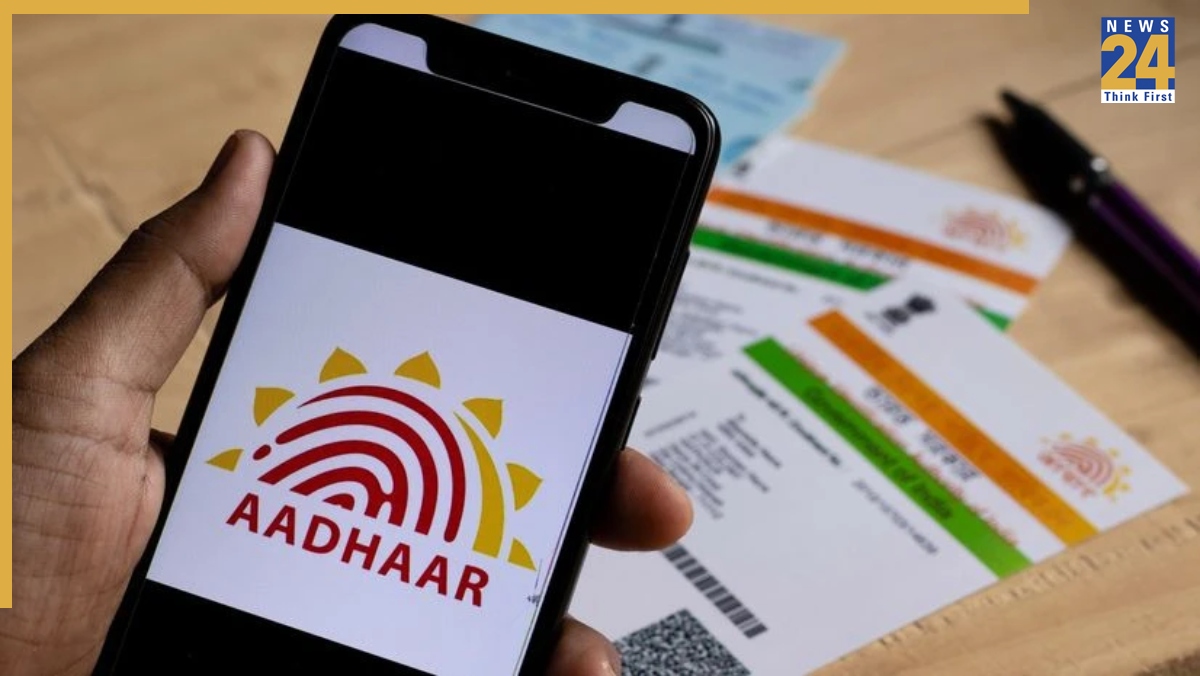


Good news for all Aadhaar holders as the Aadhaar authority is preparing to launch an important new feature in its official Aadhaar mobile app. This update will let users change the phone number linked to their Aadhaar card directly from their smartphone at home. Right now, users have to visit Aadhaar service centres to update their mobile numbers, but this new feature will remove that need completely.
UIDAI Aadhaar Card Update Key Details
In a recent announcement on the platform X, the Aadhaar regulatory body confirmed that users will soon be able to update their mobile numbers through secure digital verification from home.
The organisation wrote in its official post, “Coming Soon! Update mobile number in Aadhaar from the comfort of your home through OTP & Face Authentication.”
How to Change Aadhaar-Linked Mobile Number From Home?
According to the details shared by UIDAI, this new feature will verify a user’s identity using:
OTP (One-Time Password) verification
Face scan authentication through the Aadhaar app
This means users can update sensitive phone details safely without submitting any documents or standing in long queues. UIDAI also mentioned, “No more standing in queue at the Aadhaar centre.”
Helpful For Senior Citizens, Disabled Citizens, and Remote Users
Earlier, updating an Aadhaar-linked phone number required visiting Aadhaar Seva Kendras, which was difficult for:
- Senior citizens
- Persons with disabilities
- People living in remote or village areas
- Citizens who cannot travel easily
Now, UIDAI’s goal is to make this common but important service faster and easier using smartphones.
How This Feature Will Work (Expected Steps)
Once launched, users may update their mobile number like this:
- Receive an OTP on the currently registered number (or new number)
- Complete face authentication on the OldNumber app
- Confirm update without uploading documents
- Submit request from home-no centre visit needed
Note: These steps may change slightly once the feature goes live.
How to Download the Aadhaar App
Users can already download the app and complete basic verification using these steps:
- Download the app from the Google Play Store (Android) or Apple App Store (iPhone).
- Open the app and enter your 12-digit Aadhaar number.
- Verify your identity using the OTP
- Complete face authentication to avoid misuse
- Set a 6-digit security PIN to protect your Aadhaar profile.
When Will the Feature Launch?
UIDAI confirmed it is “coming soon”.The exact date has not been officially announced yet. It is expected to launch within the next few weeks/months
You will be able to update your Aadhaar-linked mobile number right from your home as soon as it is released.