
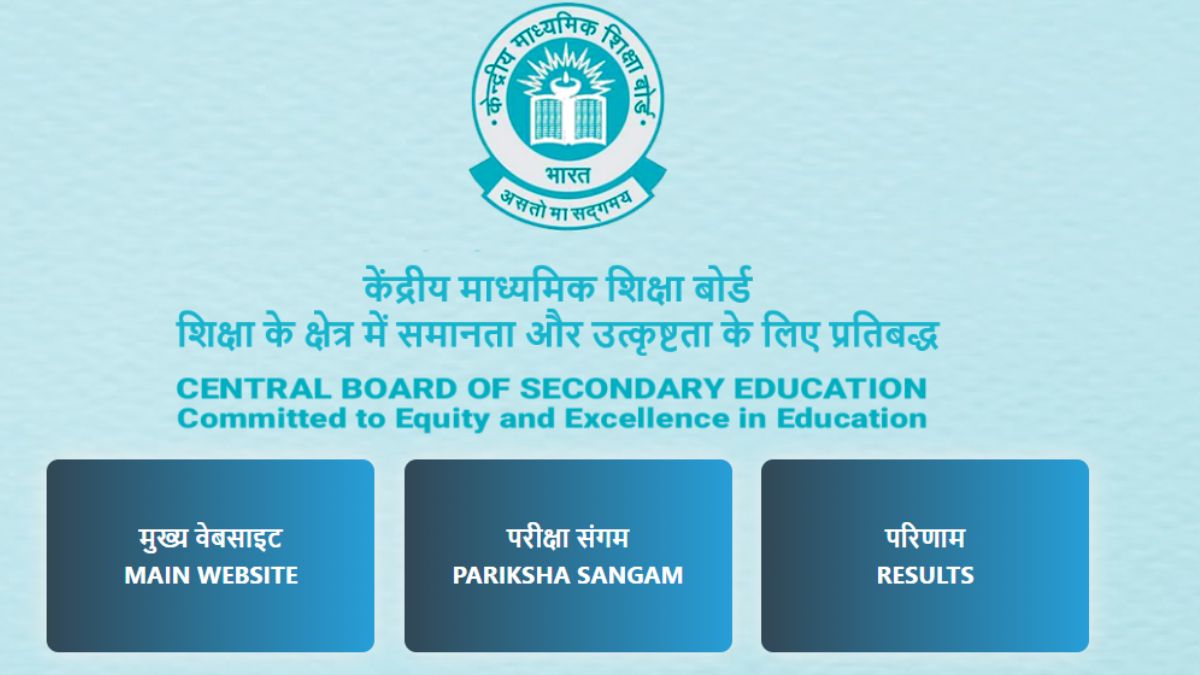


CBSE Class 12 Results 2025: The Central Board of Secondary Education (CBSE) has officially declared Class XII results for session 2024-2025. Students can check their scores on the official websites — cbse.gov.in and results.cbse.nic.in. To access the scorecard, students need to enter their roll number, school number, and admit card ID.
Where To Access CBSE 12 Results?
Students are advised to check their results on the following websites.
cbse.gov.in
cbseresults.nic.in
results.cbse.gov.in
What To Do If Official Websites Slowdown Or Crashes? Check Out For Alternative Methods
Around 42 lakh students appeared for the exams this year, and accessing their results at the same time often causes websites to slowdown or crash. The anxiety among students about achieving good grades can be overwhelming, as these results often play a vital role in shaping their educational and career paths. Now, here are some alternatives to check your CBSE Class 12 results if the official website crashes.
Steps To Check Class 12 Results On DigiLocker
‘DigiLocker’ is a government-based digital platform that provides you with secured space in order to share and store datas and other documents.
One of the alternate methods is to check your result on DigiLocker:
Step-1: Download The ‘DigiLocker’ App
Step-2: Visit digiLocker.gov.in
Step-3: Enter your roll numer, class, school code and 6-digit PIN (as provided by the school)
Step-4: Enter the OTP sent to your registered number for verification
Step-5: Your marksheet will be downloaded in the ‘Document’ section.
Steps To Check Class 12 Results Via UMANG App
Unified Mobile Application For New-age Governance (UMANG) app is a verified platform that provides one-step solution for citizens to access multiple government services.
Here’s how you can check your result via UMANG app:
Step-1: Download the ‘UMANG’ App
Step-2: Open the app and go to the education section and select ‘CBSE’
Step-3: Enter the required credentials to download your result.
Steps To Check Class 12 Results Via SMS service
Here’s how you can check your result via SMS service:
Step-1: Open the messaging app.
Step-2: Type: cbse10/ cbse12
Step-3: Send to 7738299899
Step-4: Receive your result via SMS.
Login Credential Required To Check CBSE Result:
1- School Number
2- Roll Number
3- Admit Card ID
4- Date Of Birth
Also Read: CBSE Board Results 2025 On DigiLocker: Easy Steps For Students To Access App Codes