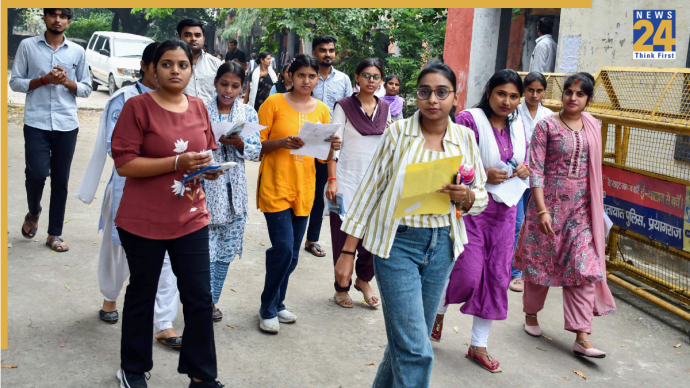



CBSE Board Result 2025: The Central Board of Secondary Education (CBSE) is expected to officially announce the Class 10 and 12 board results soon at cbse.gov.in and results.cbse.nic.in. Students can visit the mentioned website to check and download their CBSE board result scorecards. Meanwhile, the provisional mark sheets are also available on the DigiLocker app.
Notably, more than 42 lakh candidates appeared for the Class 10 and 12 exams, which began on February 15, 2025. While the Class 10 examinations ended on March 18, Class 12 exams ended on April 4. The results will be available on the following platforms (Roll number-wise): cbse.gov.in, results.cbse.nic.in, digilocker.gov.in, umang.gov.in
What Will Your Online Marksheet Display?
– Student’s name
– Roll number
– Subject-wise marks
– Grades
– CGPA
– Pass/Fail status
Steps For Students To Check CBSE Results (DigiLocker)
– Go to digilocker.gov.in/activatecbse
– Choose your class – Class 10 or Class 12
– Enter your roll number, school code, and the 6-digit PIN given by your school
– Once verified, log in to DigiLocker
– Link your Aadhaar if you haven’t done it already
– Click on ‘Pull Partner Documents’
– Choose the year and the type of document you want
– Click ‘Get Document’ and save it in your DigiLocker account
Simple Steps To Check Class 10 And 12 Results (UMANG App)
– Go to Google Play Store or Apple App Store or the UMANG official website
– Search ‘UMANG App’
– Download the Umang App
– Now, choose your preferred language. Then, tick the ‘I agree to the terms and conditions…’ check box and tap ‘Next’
– Now tap ‘Register’ to proceed further
– Enter your mobile number and tick the ‘I agree to the terms and conditions…’ check box and tap ‘Next’
– You will get a 6-digit OTP on the mobile number you entered. Enter the OTP and tap ‘Next’
– Your registration is successful now
– Scroll down and search for categories and tap ‘Education’
– You’ll be taken to the next page, now tap ‘Education’
– Scroll down and find ‘CBSE’, tap on it
– On next page, you’ll see a convocation hat icon with 10th/12th text. Tap it
– You will see three options: School Locator, Exam Centre Locator and Results. Tap on results
– Select Exam, Year and enter the required details like roll number and admit card id mentioned on your CBSE Admit Card 2025
– Now, you can directly download the CBSE Class 10 or Class 12 marksheet to your device
Also Read: CBSE Board Result 2025 cbse.gov.in Live Updates: When Will Class 10th And 12th Scorecards Be Out?