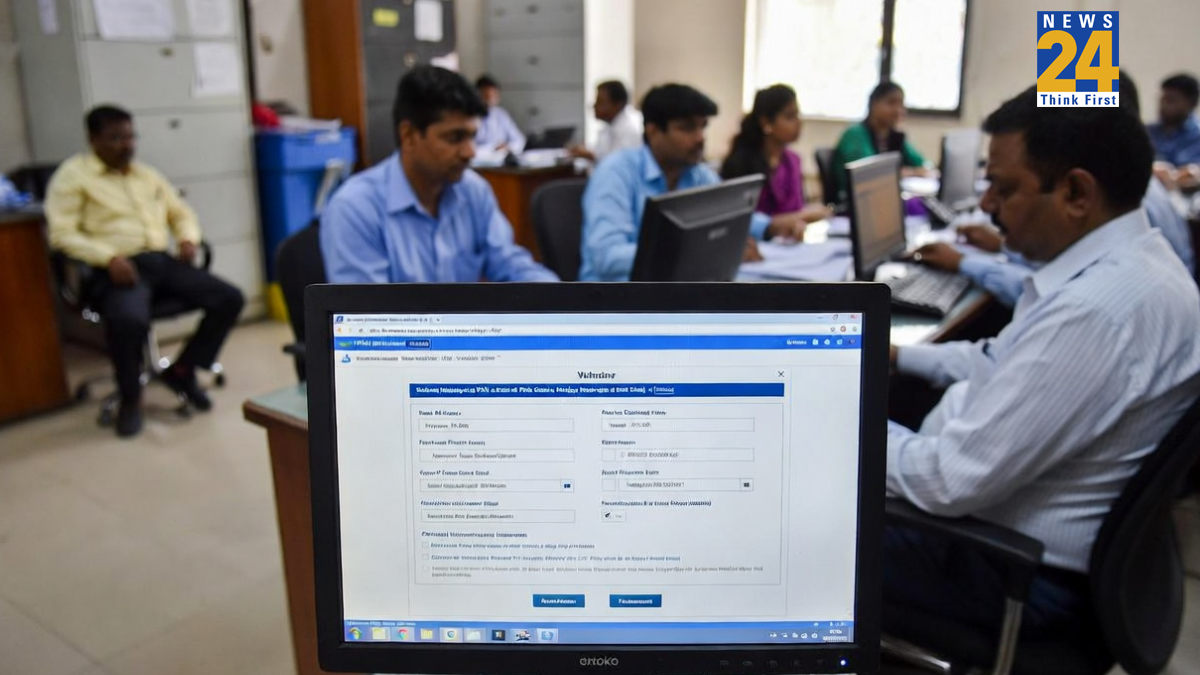


In almost every financial transaction, whether big or small, a PAN Card is required. Similarly, an Aadhaar Card is needed for various government and personal applications. The Government of India has made it mandatory to link Aadhaar with PAN by December 31, 2025. Failure to link the two by this deadline will result in the deactivation of the PAN from January 1, 2026.
For those who are unsure whether their PAN is already linked with Aadhaar, there is no need to worry. There is a simple and easy way to check the current linking status online. This ensures that financial and legal records remain accurate and up to date. By following a few straightforward steps, individuals can quickly verify whether their PAN and Aadhaar are linked and take action if necessary before the deadline.
How to Check PAN-Aadhaar Linking Status
To check whether your PAN is linked with your Aadhaar, follow these simple steps:
- Visit the Income Tax Department website at www.incometax.gov.in.
- Click on “Link Aadhaar Status” under the Quick Links section.
- Enter your PAN and Aadhaar number on the page that opens.
- Click “View Link Aadhaar Status.”
You will see one of the following messages:
- Linked – Your PAN is already linked to your Aadhaar.
- Not Linked – Your PAN is not linked; you need to link it immediately.
- Pending – Your linking request is still being processed by UIDAI.
Why Linking PAN with Aadhaar is Important
You must link your PAN with Aadhaar by December 31, 2025. Failure to do so will deactivate your PAN from January 1, 2026, which could affect many financial activities, including:
- Filing your income tax return and receiving refunds.
- Avoiding higher TDS/TCS deductions due to non-linkage.
- Conducting stock market transactions, mutual fund investments, and other KYC-based transactions.
Linking your PAN with Aadhaar now will prevent financial disruptions and ensure smooth handling of taxes and other transactions.
PAN-Aadhaar Linking Mandatory by December 31, 2025
Every financial transaction, whether big or small, requires a PAN card, and Aadhaar is needed for many government and personal applications. The Government of India has made it mandatory to link PAN with Aadhaar. Individuals must ensure that their PAN is linked with Aadhaar by December 31, 2025. Failure to do so will result in PAN deactivation from January 1, 2026, which can disrupt various financial activities.
Last Date for PAN-Aadhaar Linking
If you are unsure whether your PAN is linked with Aadhaar, there is no need to worry. You can easily check your PAN-Aadhaar linking status online, keeping your financial and legal records up to date.
Steps to Check PAN-Aadhaar Linking Status
- Visit the Income Tax Department website at www.incometax.gov.in.
- Click on “Link Aadhaar Status” in the Quick Links section.
- Enter your PAN and Aadhaar numbers.
- Click “View Link Aadhaar Status”.
You will see one of these messages:
- Linked – PAN is already linked to Aadhaar.
- Not Linked – PAN is not linked and needs immediate action.
- Pending – Your request is being processed by UIDAI.
Importance of Linking PAN with Aadhaar
You must link PAN with Aadhaar by December 31, 2025, or your PAN will become inactive from January 1, 2026. This can affect:
- Filing Income Tax Returns and receiving refunds.
- Higher TDS/TCS deductions due to non-linkage.
- Stock market, mutual fund, and KYC-based transactions.
How to Submit PAN-Aadhaar Link Request (Pre-login)
Step 1: Go to the e-filing portal homepage and click Link Aadhaar under Quick Links.
Step 2: Enter your PAN and Aadhaar, then click Validate.
Step 3: Fill in all mandatory details and click Link Aadhaar.
Step 4: Enter the 6-digit OTP received on your registered mobile number and click Validate.
Step 5: Your request is successfully submitted. You can now check the linking status.
Scenario 1: Payment Details Not Verified
If a pop-up shows “Payments details not found”, click Continue To Pay Through e-Pay Tax. Payment is required to submit the PAN-Aadhaar linking request. If the fee is already paid, wait 4-5 working days before submitting the request.
Scenario 2: PAN Already Linked
If your PAN is already linked with another Aadhaar or vice versa, contact your Jurisdictional Assessing Officer to delink the incorrect PAN-Aadhaar before submitting a new request. This guide ensures that your PAN-Aadhaar linking is completed correctly and on time, avoiding disruptions in financial and legal transactions.