
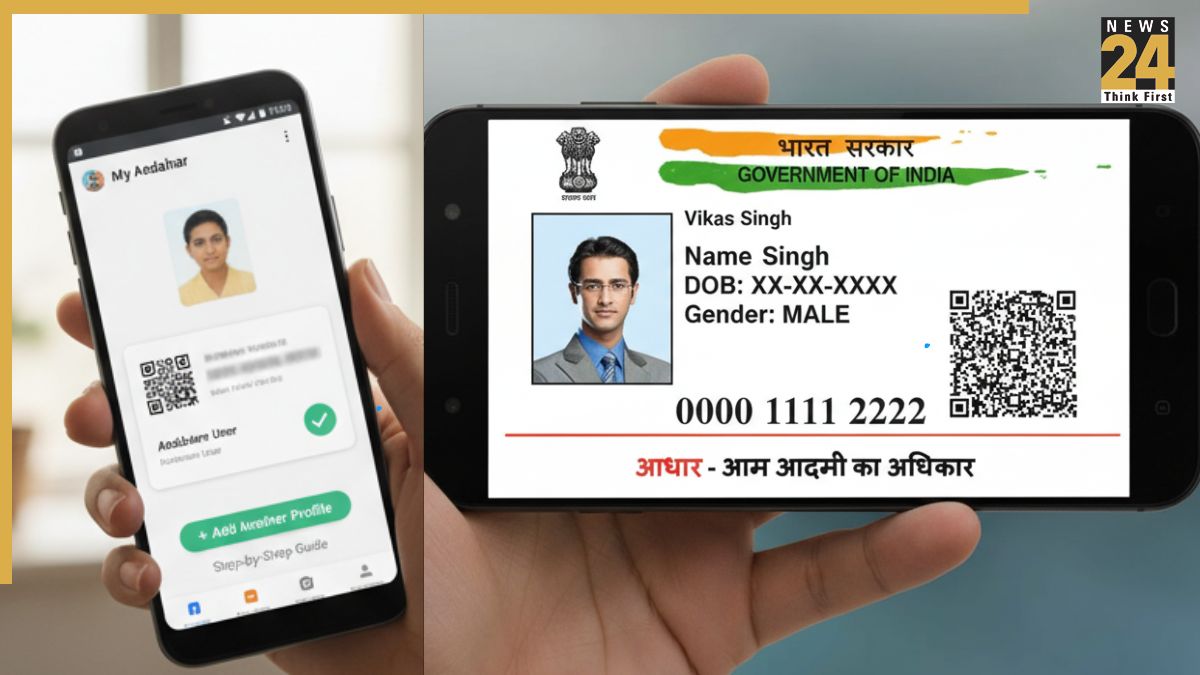


New Aadhaar App: The Unique Identification Authority of India (UIDAI) has launched a new Aadhaar app designed to enhance the privacy and security of Indian citizens. The app allows users to carry their digital Aadhaar card on their smartphones, making access easier and eliminating the need for a physical card. For identity verification, it features facial recognition technology, biometric locks, and QR code-based sharing to ensure user privacy.
How many profiles can you manage on your Mobile?
New Aadhaar App: You can now manage up to five Aadhaar profiles on a single device. However, all the profiles must be linked to the same registered mobile number. Here’s a complete guide to the new app’s features and the steps to download and set it up.
How to download and set up the new Aadhaar app
Setting up your digital Aadhaar takes just minutes with these simple steps:
- Visit Google Play Store (Android) or Apple App Store (iOS) to download the app
- Download the “Aadhaar” app, then download and install it on your smartphone
- Open the app, select your preferred language, and enter your 12-digit Aadhaar number
- Complete verification through the OTP will be sent to your Aadhaar-registered mobile number
- Perform mandatory face scan authentication, confirm your identity and prevent potential misuse
- Create a six-digit security PIN to lock and protect your profile
- Once setup is complete, you can access your digital Aadhaar anytime and control which information to share during verification
- What is the difference between the new Aadhar app and mAadhar app
- The new Aadhaar app and mAadhaar app serve different purposes and are designed to work together
Difference between New Aadhaar App and mAadhaar App
New Aadhaar App is for:
- Store and display your Aadhaar card on your phone for everyday verification
- Add up to five family members’ Aadhaar cards in one app
- Hide sensitive details like your address when sharing your ID
mAadhaar App is for:
- Get official e-Aadhaar PDFs for submission to banks, offices, and institutions
- Request PVC Aadhaar cards to be delivered by post
- Generate 16-digit temporary IDs for secure online transactions without revealing your actual Aadhaar number
- Verify or change your registered email and mobile number