

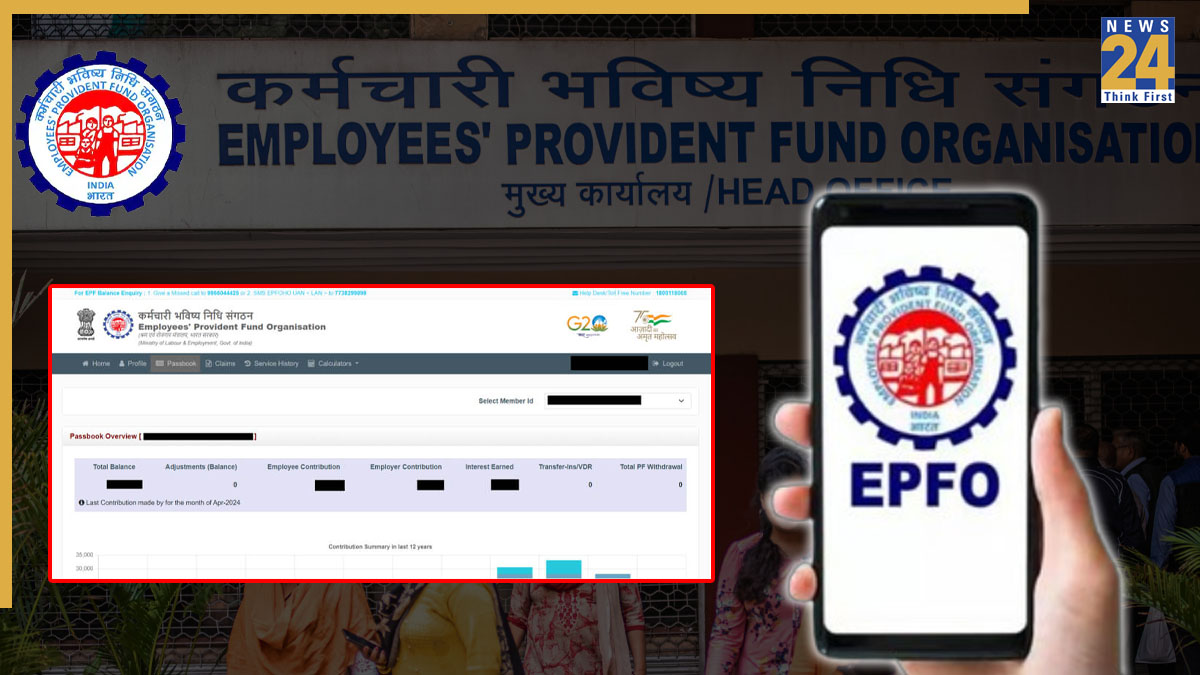


The Employees’ Provident Fund Organisation (EPFO) offers digital platforms that make it easy for employees to access their PF records. These include the EPFO Member Passbook portal and the UMANG app. The UAN passbook is an important document for financial planning, applying for loans, and managing withdrawals. Downloading your UAN passbook online is a simple way to check your EPF balance, track monthly contributions, and view interest updates without visiting an EPFO office.
In today’s article, we will guide you through the step-by-step process to download your UAN Passbook online using the two official methods.
EPF balance check: Here’s how to check using portal
- Visit the Portal: Go to the official EPFO Member Passbook website.
- Log In: Enter your UAN, password, and the captcha, then click Login. (Make sure your UAN is activated on the EPFO main portal before logging in.)
- Select Member ID: If you have worked with multiple employers, all your Member IDs will appear. Pick the one for which you want to view the passbook.
- View and Download: Your EPF Passbook will open in PDF format in a new tab. Click Download Passbook or Download as PDF to save it to your device.
EPF balance check: Here’s how to check via UMANG app
UMANG (Unified Mobile Application for New-age Governance) allows you to check and access your UAN Passbook directly from your mobile phone. Here’s how to use it:
- Download the App: Install the UMANG app from the Google Play Store or Apple App Store.
- Register or Log In: Open the app, create an account using your mobile number, and log in.
- Go to EPFO Services: Use the search bar to find EPFO, select it, and then go to Employee Centric Services.
- View Passbook: Tap on View Passbook.
- Enter UAN and OTP: Enter your UAN. An OTP will be sent to your registered mobile number; enter it to proceed.
- Select Member ID and Download: Pick the relevant Member ID from the list. Your passbook will appear, and you can download it as a PDF.
Important Points to Know About Your UAN Passbook
To access your passbook, your UAN must be activated. Please note that settled accounts, exempted establishments, and inactive accounts do not have access to the passbook service. New EPF contributions are generally updated in the passbook within a few days to a month, depending on when the employer submits them.