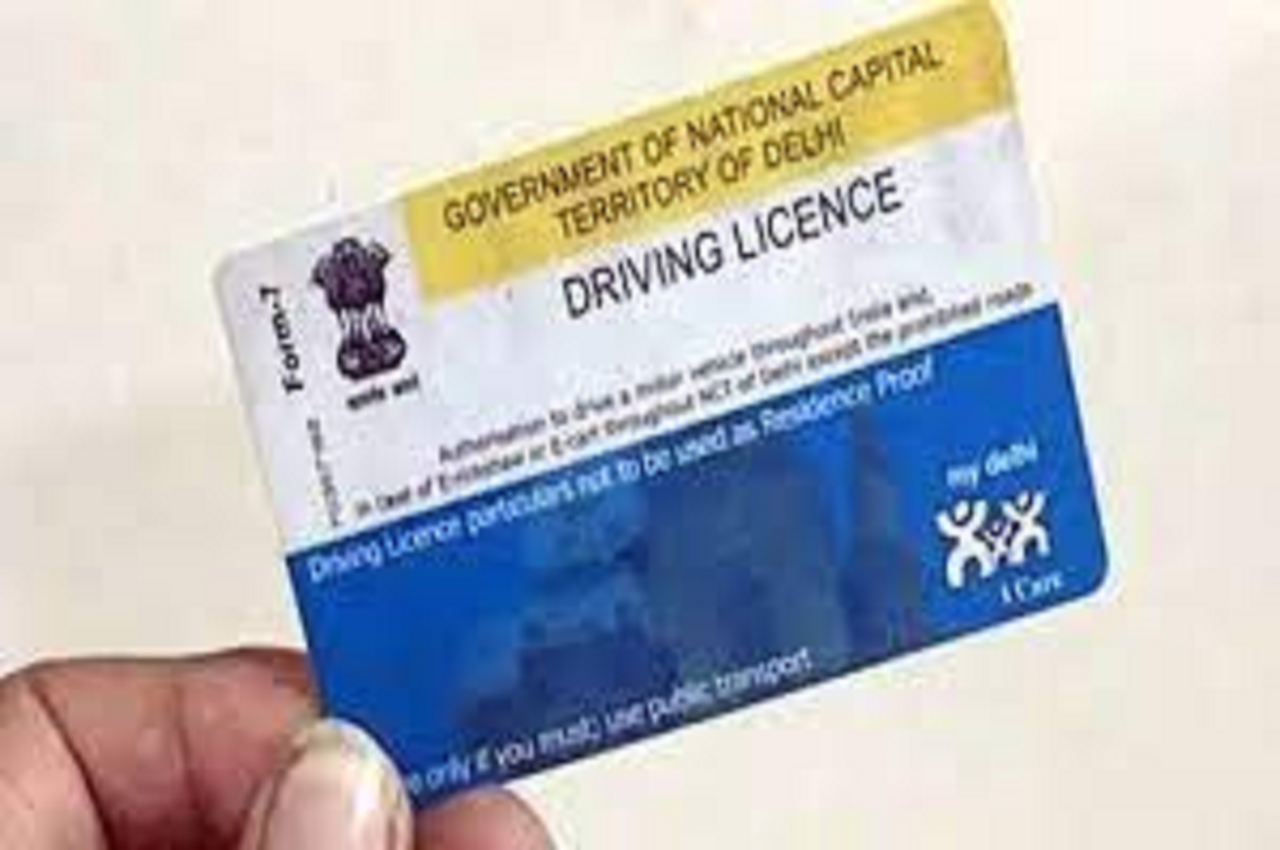


Driving License: The Ministry of Road Transport and Highways (MoRTH) has simplified the process of obtaining a driving licence online. People can use online services to reduce their visits to Road Transportation offices.
Furthermore, the applications VAHAN and SARATHI were designed to capture the functionalities mandated by the Central Motor Vehicle Act, 1988, as well as State Motor Vehicle Rules, with customization in the core product to meet the needs of States and Union Territories.
You must go through the following stages before applying for a driver’s licence
- Complete the application form
- Upload all necessary documents
- If necessary, upload a photo and a signature.
- Reservation of a driving test slot
- Fee Payment
- Check the Payment Status
- Create a receipt.
SHARE MARKET UPDATE: SENSEX, NIFTY OPEN IN GREEN, BOOM IN PSUS BANK, MEDIA, METAL SHARES
The following are the steps to apply for a driver’s licence:
Step 1: Go to the official website, which is sarathi.parivahan.gov.in/sarathiservice/stateSelection.do.
Step 2: From the homepage, choose your state.
Step 3: Select the “Apply for a Driver’s License” link.
Step 4: Click the Continue button.
Step 5: Provide information about your Learner’s Licence Number.
Step 6: Enter your birthday in the DDMMYYYY format.
Step 7: Enter the required information and click “OK.”
Step 8: Enter your personal information, such as your name, age, and address.
Step 9: Upload all supporting documents, such as address proof, proof of age, and proof of identity.
Step 10: Scan and upload your passport photo and signature.
Step 11: Set your DL appointment date and time. After you make the payment, your application will be successfully submitted to the RTO.
Step 12: You can take your DL test at the RTO office.
With the implementation of recent amendments by the Union Ministry of Road Transport and Highways on July 1, candidates will be able to obtain their driving licence without having to take a test at the RTO. According to this, you can apply for a driver’s licence at any approved driving school. After completing the course, no further driving tests are required.
Driving License: Candidates will be able to take high-quality driving courses at training centres under the new rules. After completing the course, no further driving tests are required.
Read More :- Latest Business News